Voicemod Soundboard App – Audio Memes & Controller for PC
Voicemod on the go! Browse and play funny sounds right on your phone. Record your own hilarious audio memes. Control your Voicemod on your computer wirelessly – no more cables


What is Voicemod Soundboard app?
Voicemod Soundboard is everything you need for fun and easy sound control. It’s full of fresh meme sounds, works in real-time for in-game voices, and best of all, it’s free for Android and iOS!
Voicemod soundboard also works as a wireless controller for the Voicemod desktop app with zero lag. No need to keep switching screens or using awkward shortcuts—just focus on your game. Plus, you don’t need any expensive equipment because your soundboard now fits right in your pocket!
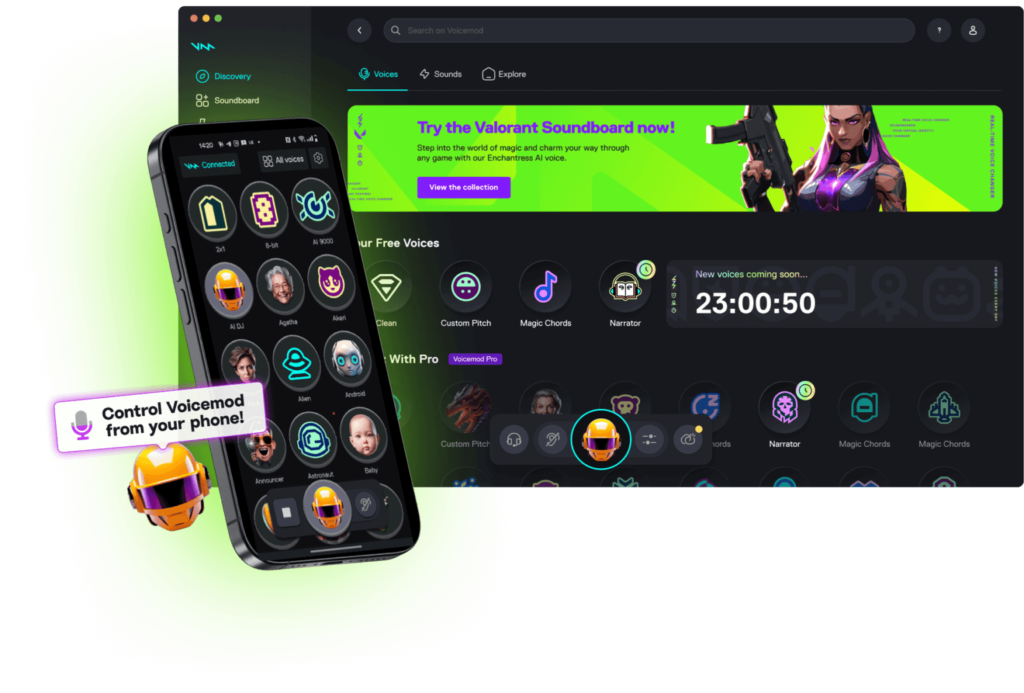
Control Voicemod from Your Mobile Phone.
Switch voice changers during online chats, trigger memes and reactions instantly, or adjust voice effects—mute them or make them louder. Use instant sound buttons to prank, react, and entertain! It’s perfect for streamers, gamers, and content creators who want to add more fun to their conversations and videos.

How to get Soundboard app?
- Download and install the app onto your mobile.
- Log in to your Voicemod account with your mobile
- Start making some noise!
How do I connect Voicemod Soundboard to Voicemod?
- Update Voicemod and Voicemod Soundboard to the latest versions.
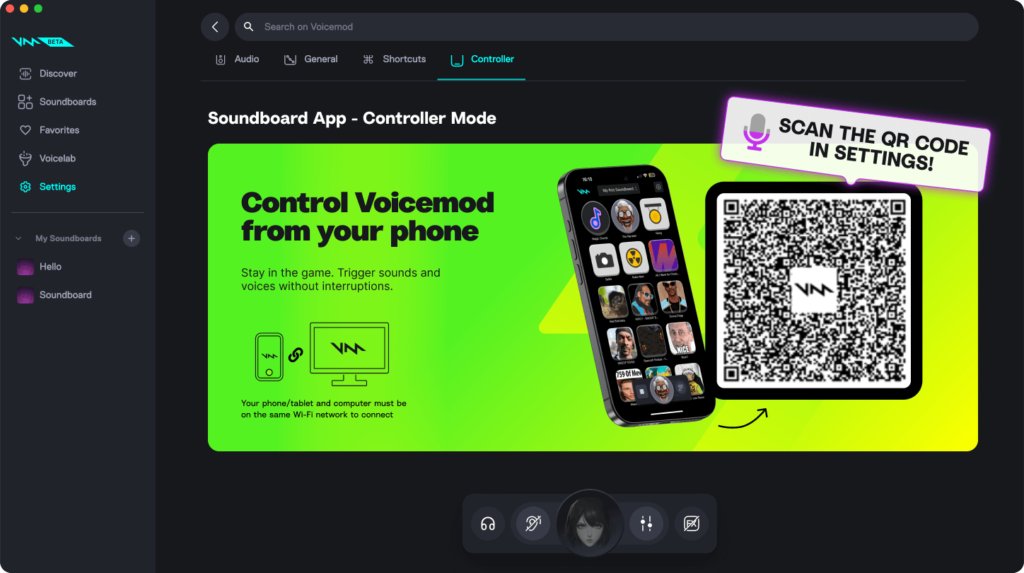
- Open Voicemod on your PC or Mac and go to Settings, then Controller.
- Open the Voicemod Soundboard app on your phone and tap Connect in the top-left corner.
- Use your phone’s camera to scan the QR code on your computer screen.
- That’s it—you’re all set!